
Did you know, that in the PRO version of ONE Control, you can edit the functionality of each component?
By jumping into edit mode in any DAW controller, you enable the possibility to customise certain components.
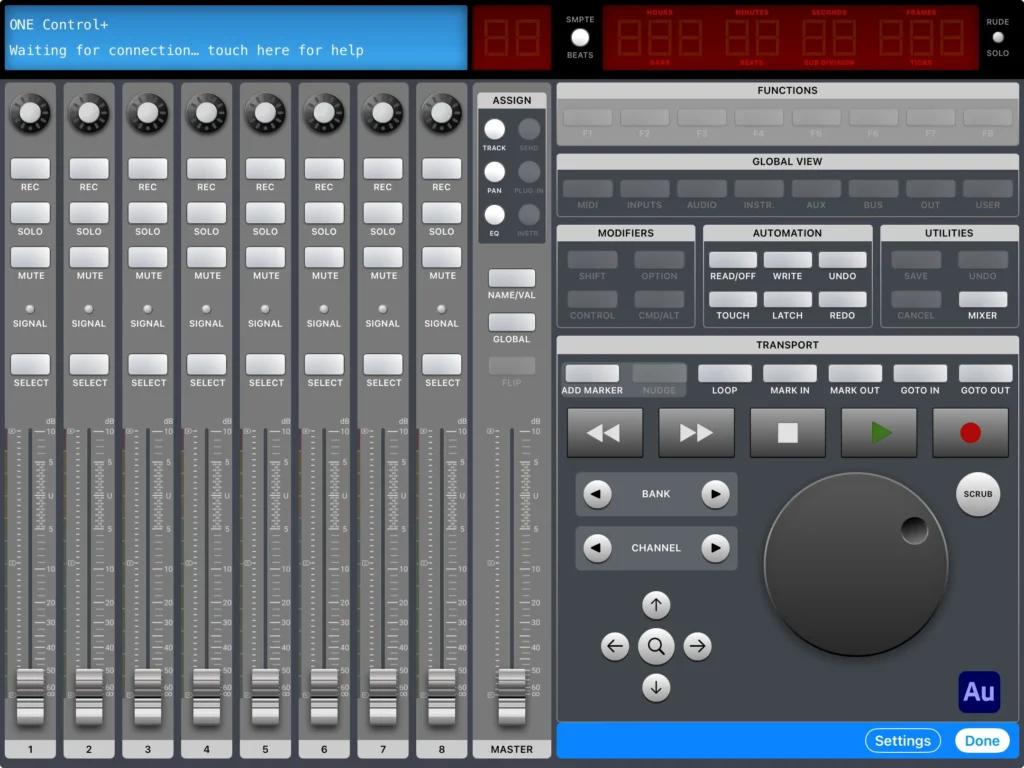
To do this, press the edit button on the bottom right of a DAW controller, and in this view, shown below you can press on a button or component you would like to edit.
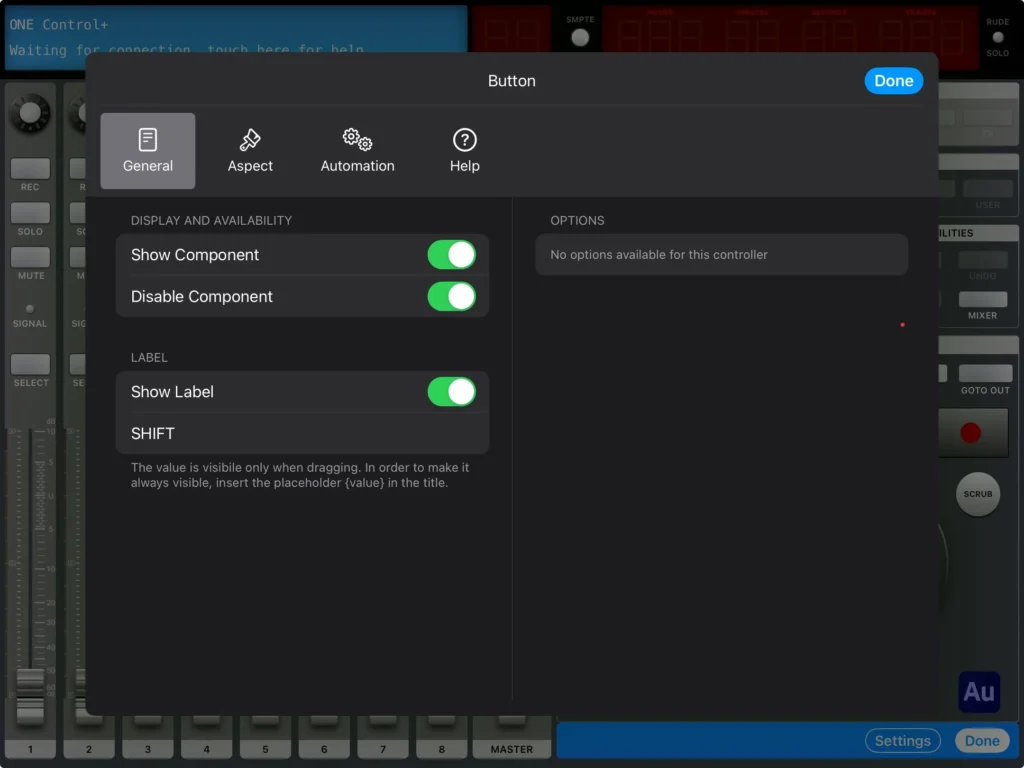
Pressing any component will bring you to this menu where you can edit the functionality of the component, Enable/Disable and Label as you please.
Go on, make it your own..