A powerful groove box at your fingertips
Turn your iPad into a fully featured Launchpad Groovebox. Play your clip-based sessions, control your mix, sequence your work, and even show animated billboards.
The Launchpad Controller is a faithful emulation of the Novation Launchpad X. Supported by Ableton Live and Logic Pro (10.5 or later.).
Session Mode
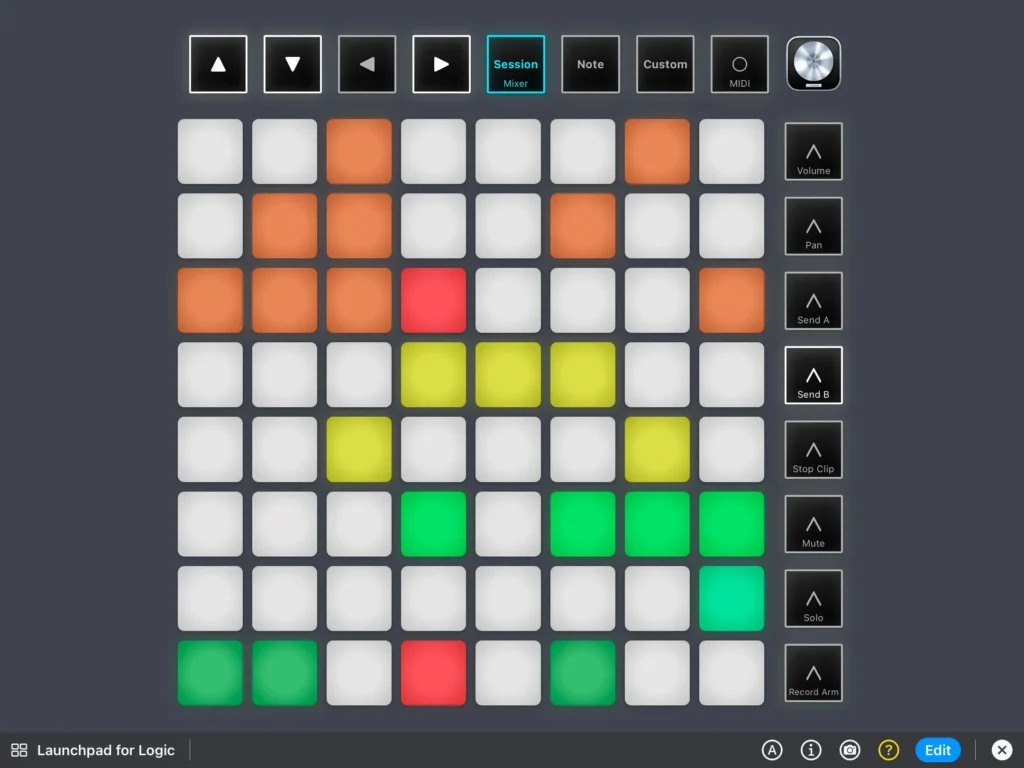
Perform beats and melodies in real time, or use it as a sequencer.
- Loop it, mix it, change it, all without touching your mouse!
Mixer Mode
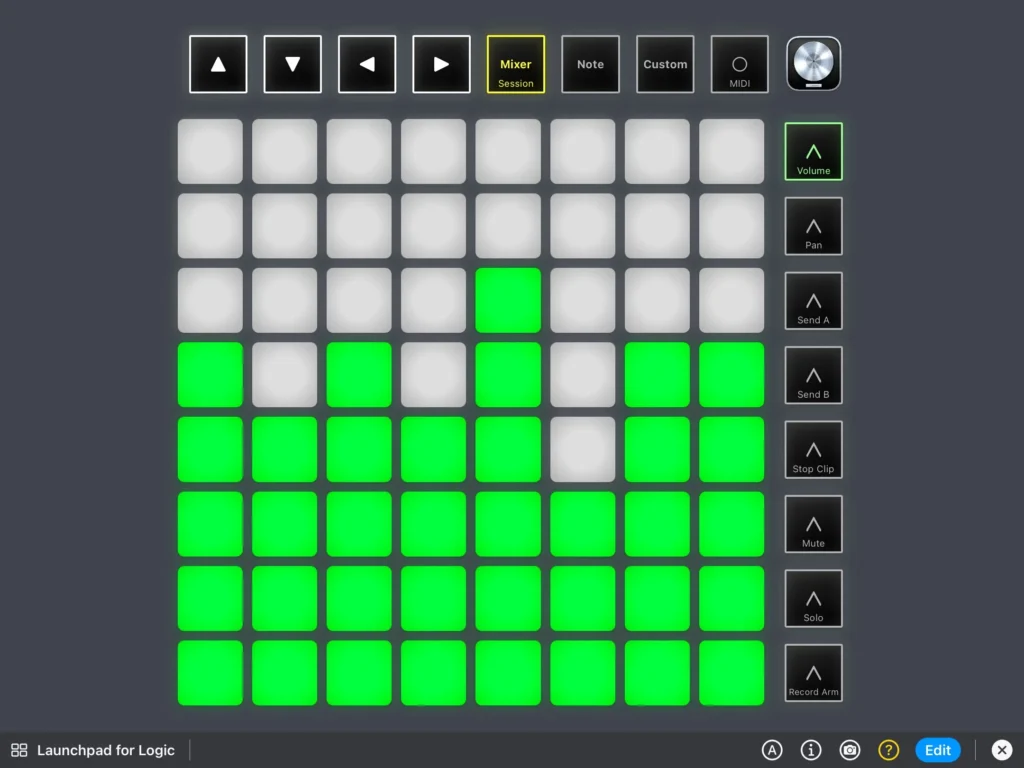
In Mixer mode, you can control levels, pan, and sends for your session’s track.
- Fader control: each row or column (depending on the orientation) act as fader control. Rise and lower the level by touching the pads
- Pan control
- Sends
- Mute: mute/unmute each clip by touching the corresponding pad
- Record: arm the recording for each clip by touching the corresponding pad
Note Mode
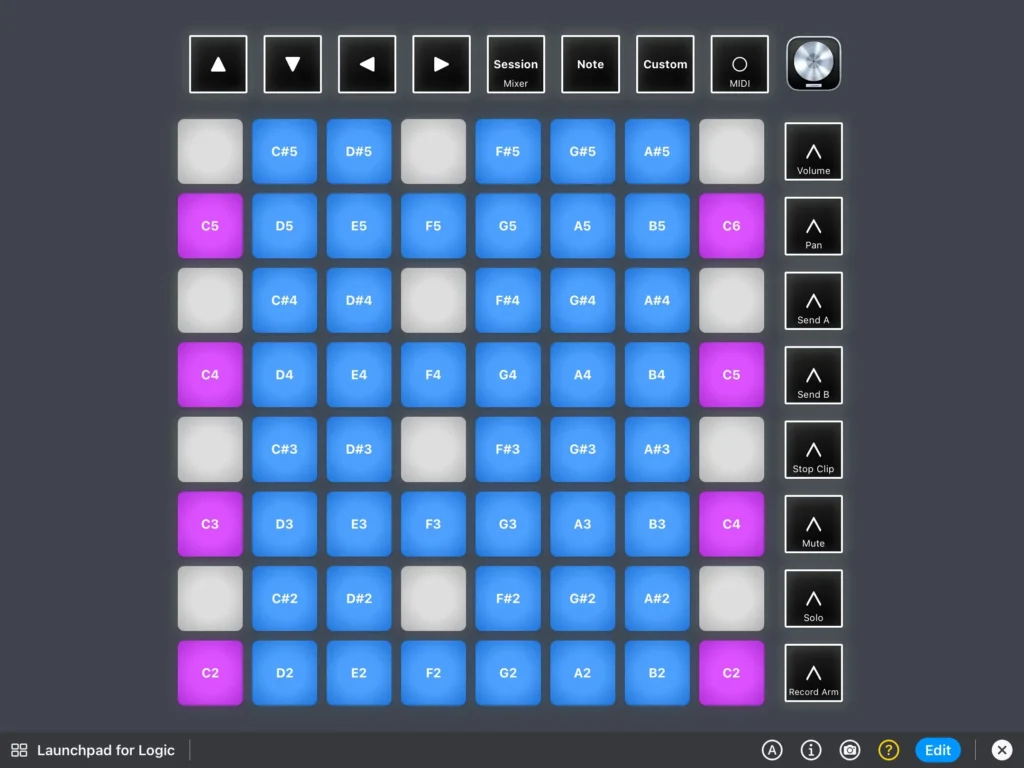
In note mode, the Launchpad controller becomes a 4 octave keyboard, ready to play on your session.
Billboard
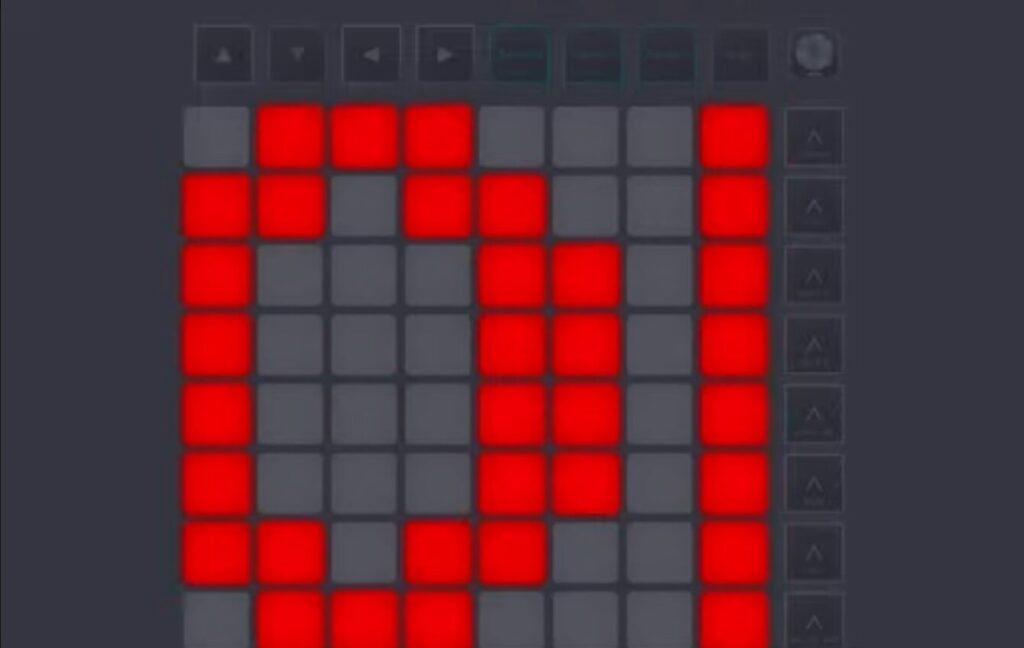
Want to involve the public during your session? Create scrolling text and play them on your iPad!
- Create as many text you want and save them in your controller
- Set speed and color of each text