
Create your dream controller
Create your ideal controller from scratch in minutes!
Journey on the creative process of creating your own tools for DAWs, Virtual Instruments and more…
Features
Block Layout and Modules
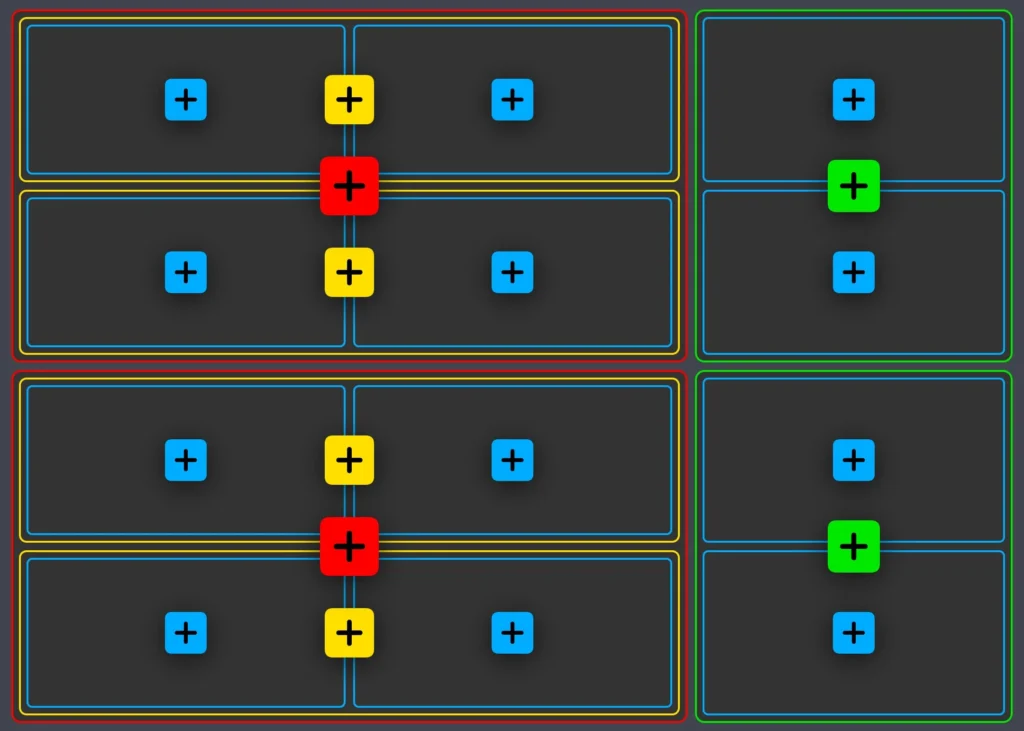
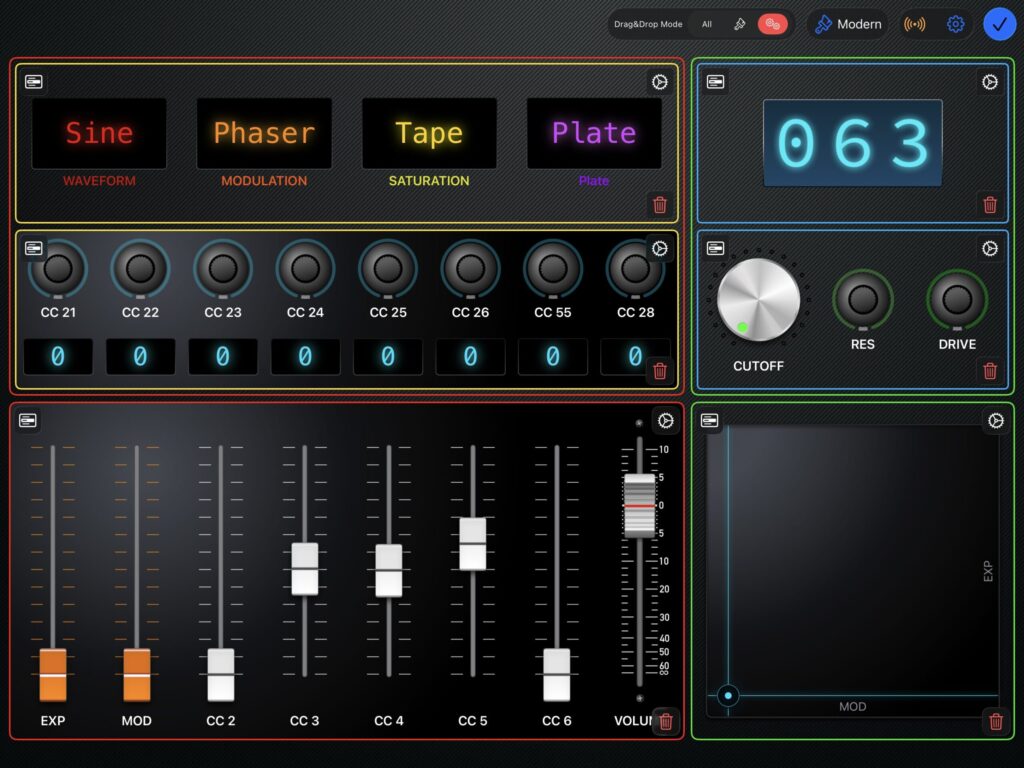
Choose a layout that suites you.
- ONE Control comes with dozens of pre-made modules: from simple rows of components to more complex layouts
- Most of the modules come with different configurations
- The basics include knobs, faders, and buttons
- But you can also add:
- Patch selectors
- Interactive displays
- Envelope editors
- XY Pads
- Stomp switches
- Virtual keyboards
- Transport buttons
- Wheels
- Rotaries
- Each controller can contain many pages. You can switch between your pages with a press of the finger.
Customise & Configure
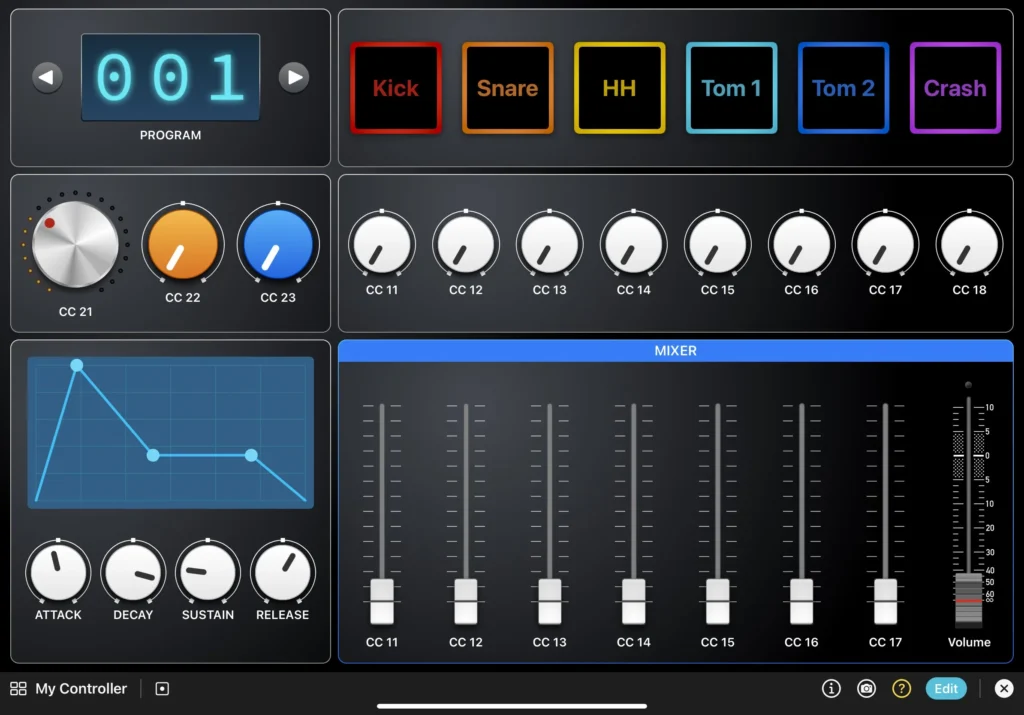
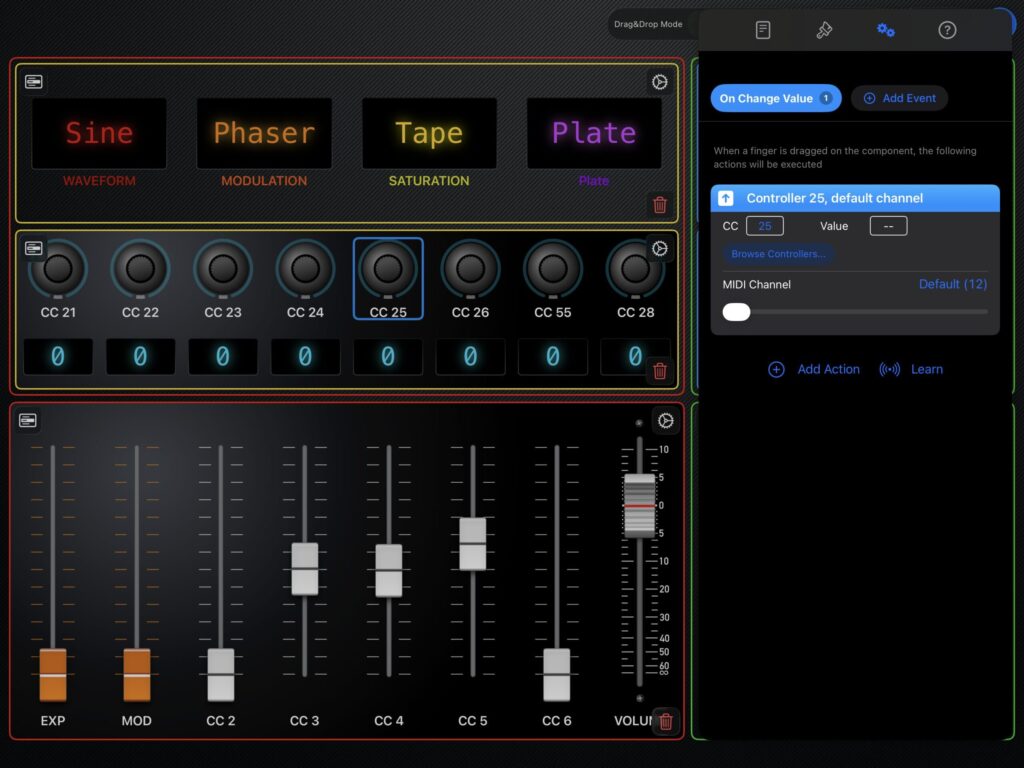
Choose the modules you need
- Choose one of the four themes for your controller
- Select the style for your components (If you want, you can mix and match styles from different themes)
- Select the colours of your components
- Create panels with borders, headers, background and effects
Presets
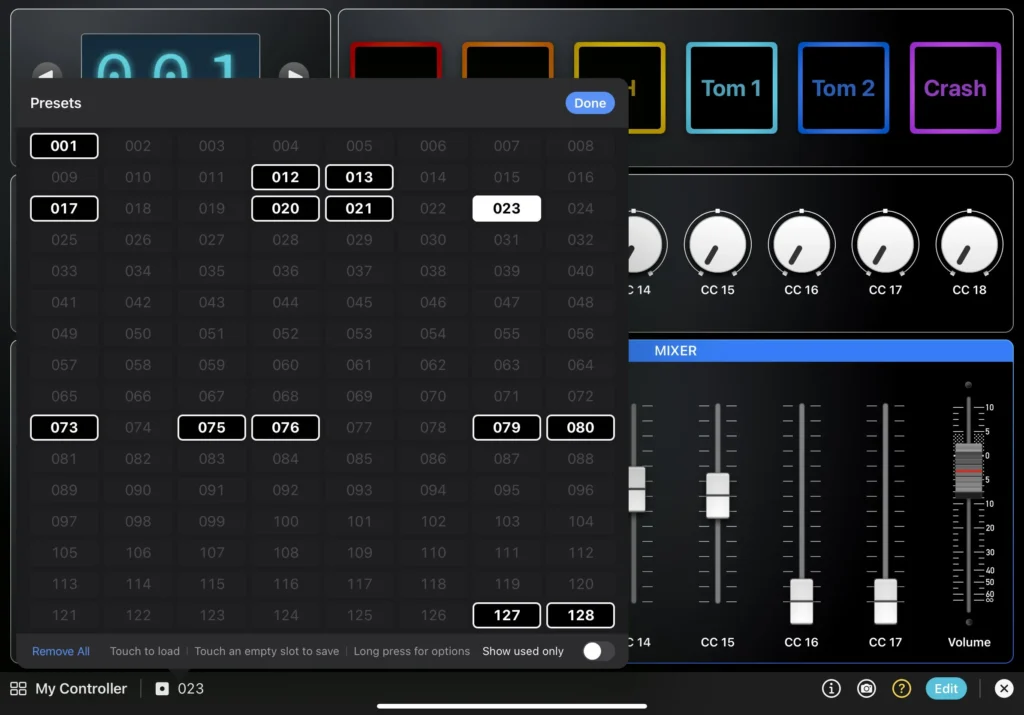
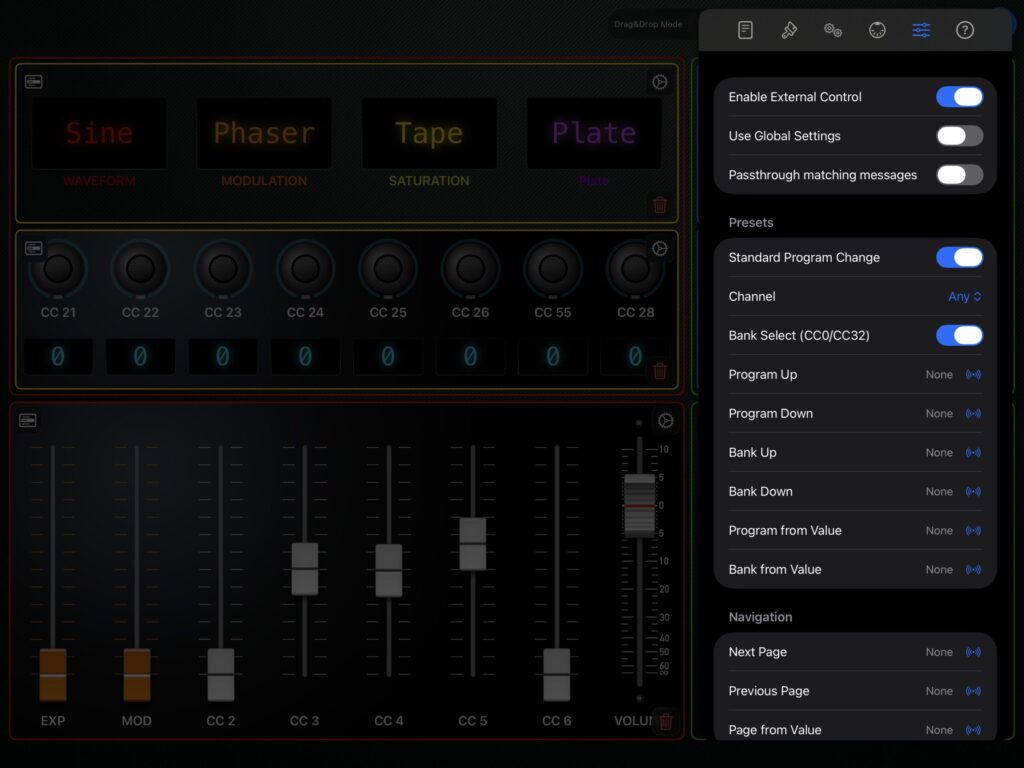
Save and flow through presets freely for handy go-to situations
- Each controller can hold up to 128 presets or patches
- Each controller can hold up to 128 banks of 128 presets
- When you save a preset, the values of all the components are stored in the corresponding preset (1-128) and automatically saved with controller
- When you recall a preset, all the values are sent out, using the automation settings of each component
- You can also set a default preset, recalled automatically when the controller is opened
- With the new External Control feature you can change bank/preset from any external MIDI source
Creators Library
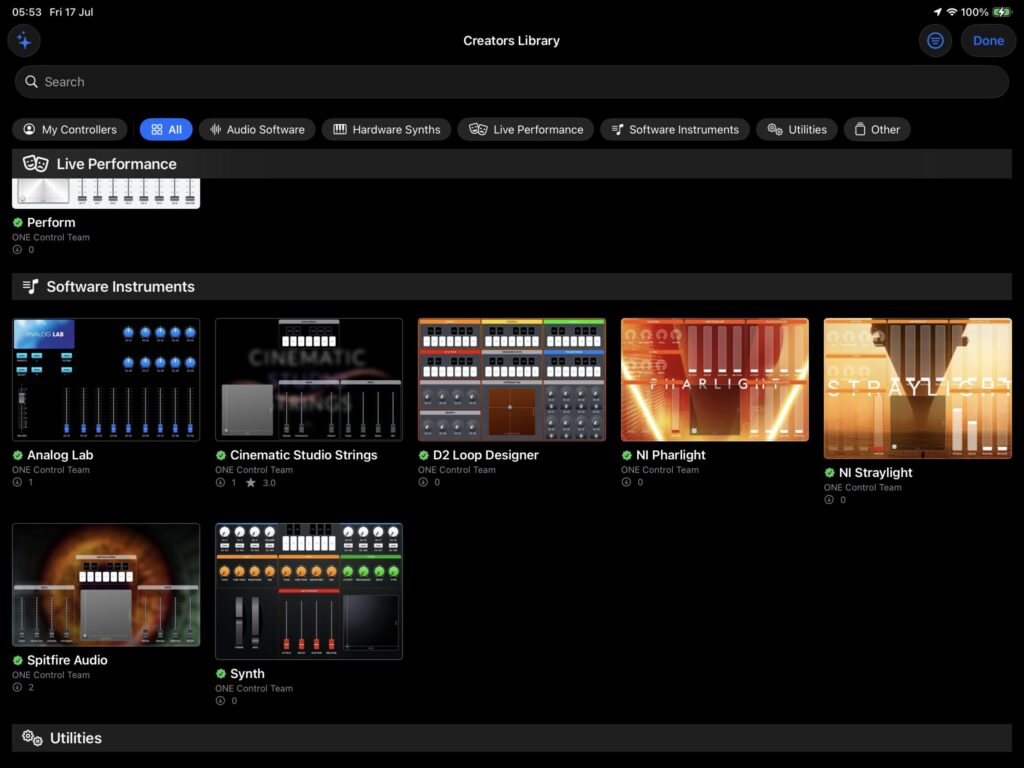
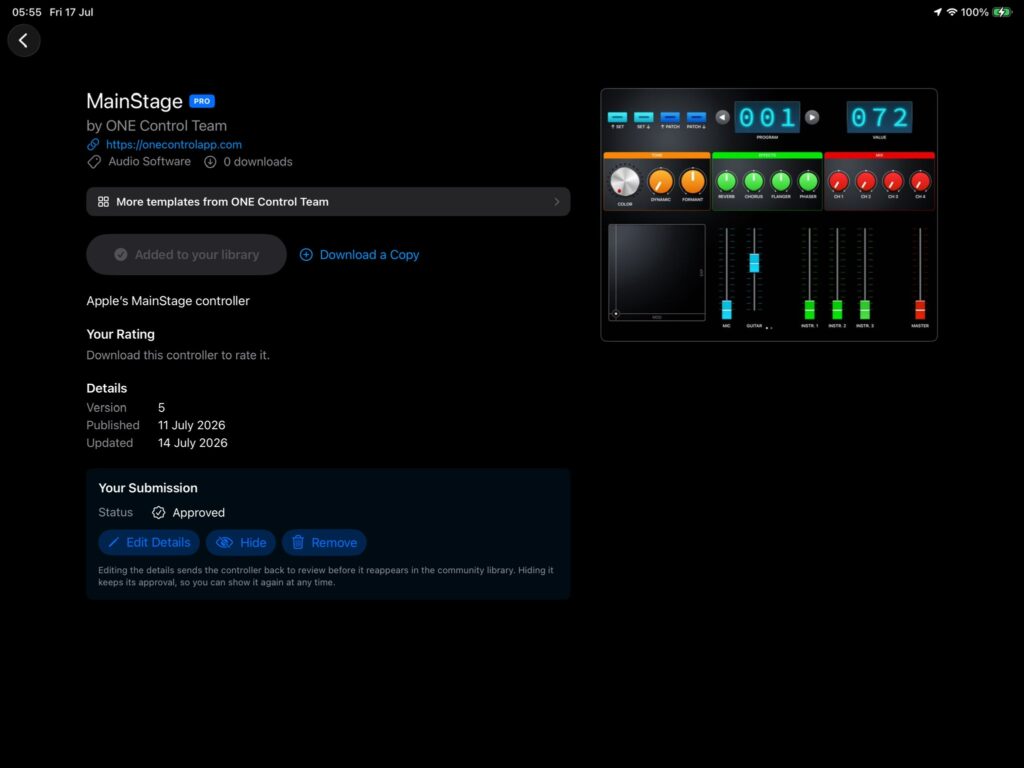
Download templates from our Creators
- You can access our Creators Library and download the controllers that best suit your needs
- You can edit them as you wish: add modules, change style and automation, and make them yours
- Become yourself a Creator and share your best controllers with the Community. Here how…